
Tokenization
Overview
The Tokenization API is used to replace sensitive data with a generated token.
Instead of storing or processing the original sensitive value, the application can store the token returned by OneDB. This helps reduce exposure of sensitive data in application databases, logs, reports, and downstream systems.
Tokenization is commonly used for protecting data such as card numbers, account numbers, identity numbers, phone numbers, customer names, or other sensitive values.
How Tokenization Works
When an application sends sensitive data to OneDB, OneDB processes the value using the selected template and returns a token.
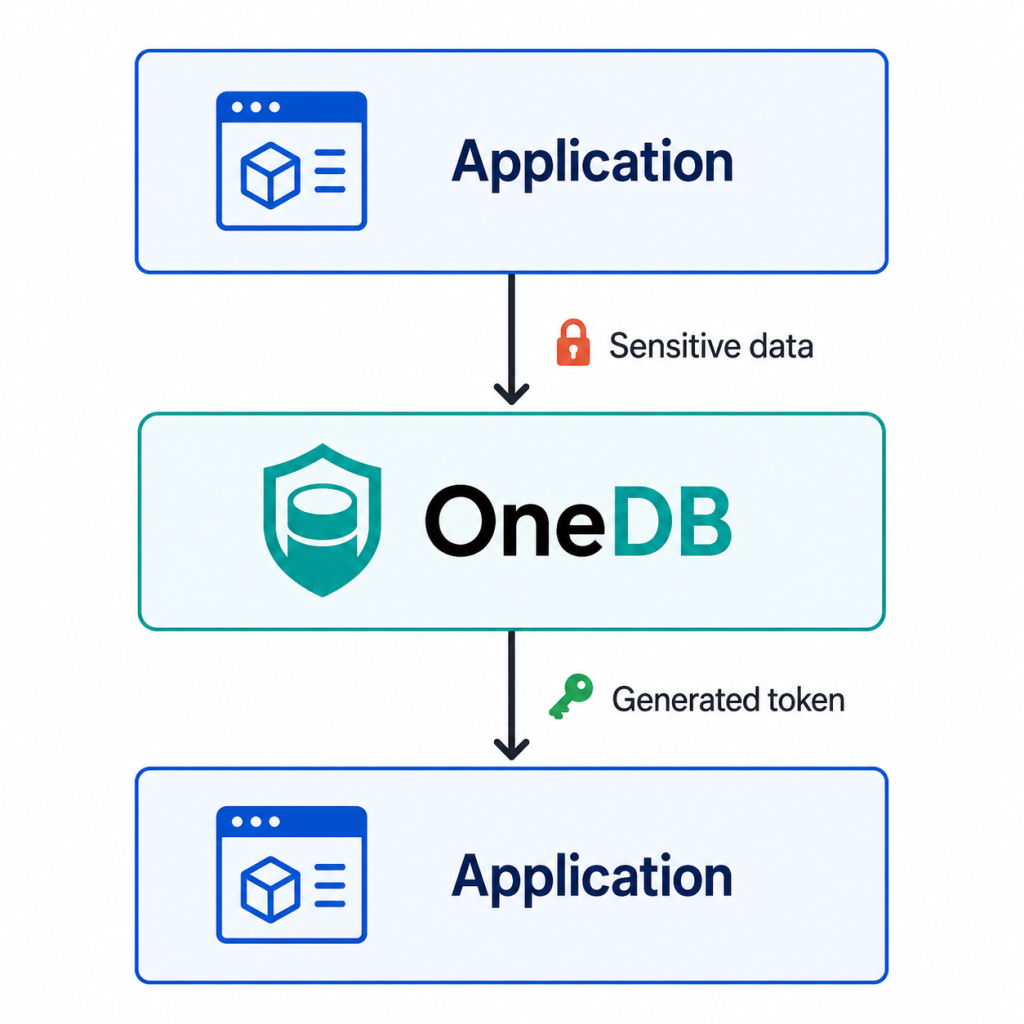
The application can then store or use the token instead of the original value.
Tokenization Modes
OneDB provides two tokenization modes:
| Mode | Description |
|---|---|
| Single Tokenization | Tokenizes one sensitive value in a single request. |
| Multiple Tokenization | Tokenizes multiple sensitive values in one request. |
Articles
Single
Use Single Tokenization when the application needs to tokenize one value at a time.
Example use case:
4111-2222-3333-4444is converted into:
3324-1991-5516-0208Multiple
Use Multiple Tokenization when the application needs to tokenize several values in one API call.
This is useful for batch processing, form submissions, multiple database fields, or services that need to protect more than one value at the same time.
Important Notes
- Tokenization requires a valid Bearer token.
- The
templateNamemust match an existing template configured in OneDB. - The
trxIdshould be unique for each request. - The generated token should be stored securely by the application.
- The original sensitive value should not be stored unless required by the business process.
- For retrieving the original or protected value, use the Detokenization API.
